
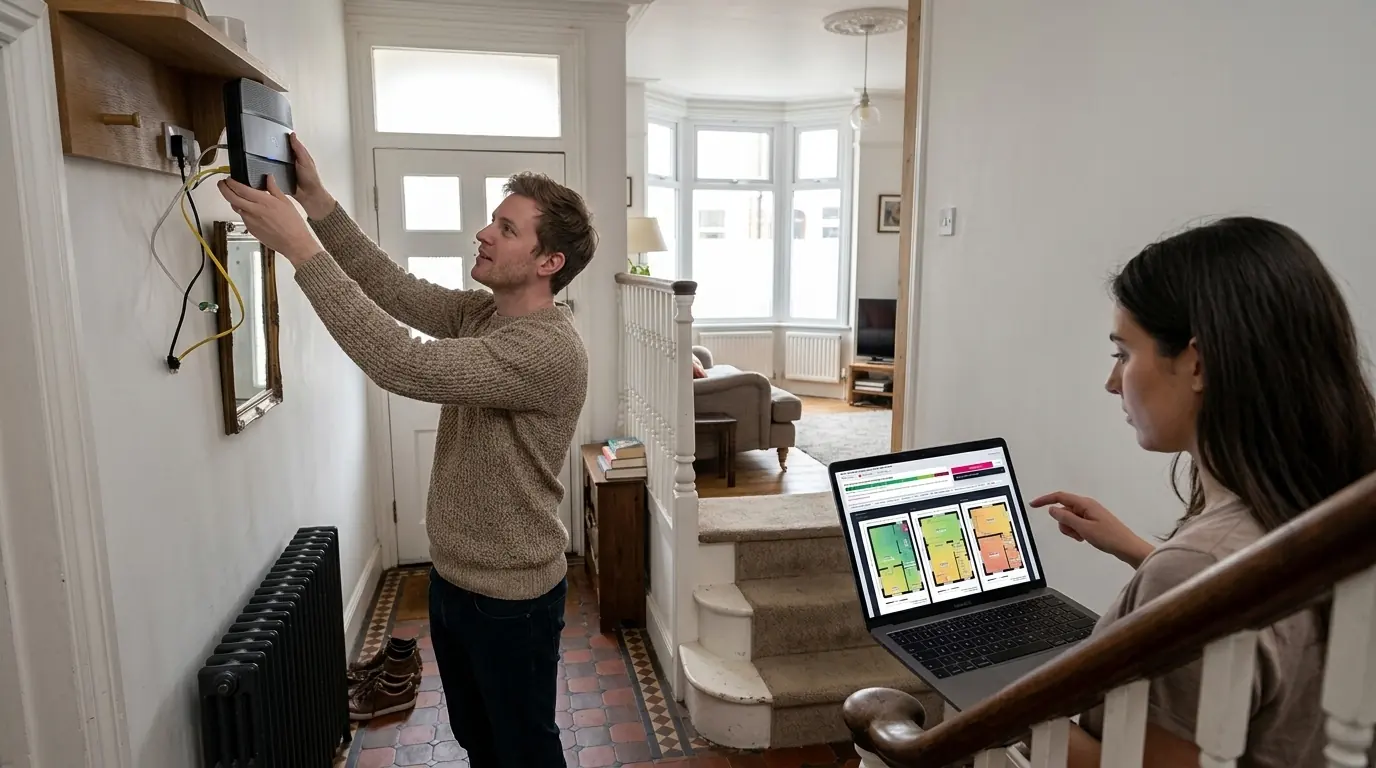
Why placement matters more than the router

Wi-Fi is radio, and radio gets weaker with distance in a way that is easy to underestimate. Double the distance and you lose a large slice of the signal before anything else has happened. Then put a wall in the way and you lose more again, and the amount depends on what the wall is made of. A stud partition costs you a little. A solid brick chimney breast costs you a lot. A concrete floor costs you more than either.
That is why two homes with identical broadband and identical routers can have completely different Wi-Fi. It is also why the most effective upgrade in most British houses is free: pick the router up and put it somewhere better.
The four things that matter, in order
1How central it is
The router radiates outwards in every direction. Sat against the front wall of a terrace, roughly half of everything it transmits goes straight out into the street. Moved into the hall, the same router is covering the house rather than the pavement. Central beats powerful nearly every time.
2How high it is
This one gets repeated a lot, so it is worth saying what the evidence actually shows. Radio engineers describe a device as clutter embedded when its aerial sits below the average height of the furniture around it, and clutter elevated when it sits above. A router on the carpet is embedded in the sofa, the sideboard and the skirting; the same router on a shelf is not.
The effect is not a fixed number of decibels. It changes the rate at which signal falls away with distance, which is why the difference is small in the same room and large at the far end of the house. Work by Kacou, Guillet, El Zein and Zaharia, presented at the European Conference on Antennas and Propagation in 2018, looked specifically at transmitter height in a multi room home between 800 MHz and 6 GHz and found path loss falls as height rises. The size of the effect used here is a calibration choice within the range that work implies. One much cited comparison of low and high aerials found the distance exponent moving by about 0.38, but it was measured in a factory at a far higher frequency than home Wi-Fi, so it fixes the mechanism rather than the number. The full working is on the methodology page.

So yes, lift it up. Chest height on a shelf or a table, out in the open, with the aerials upright. Just do not expect it to fix a room three walls away on its own. Switch the router between the four heights in the panel and watch which rooms actually change.
3What is next to it
Metal reflects and absorbs radio. Large metal objects near the router make a measurable difference: a fridge, a washing machine, a filing cabinet, a mirror with a metallic backing, a wall mounted television. A running microwave transmits in the same band as 2.4 GHz Wi-Fi. A router inside a media unit behind the telly is in about the worst place a living room can offer.
4What is between it and the rooms you use

Count the walls between the router and the room where the Wi-Fi annoys you. If the answer is three, no amount of new hardware in the same spot will fix it. Signal upstairs mostly arrives through the stairwell rather than through the joists, which is why a position near the bottom of the stairs works so well in a two storey house.
What about mesh, extenders and powerline?

Try placement first, because it costs nothing. In fourteen of the fifteen homes in this tool, moving the router to the best position is enough on its own to get every room to a standard that holds a video call. If you want 4K in every room, or you cannot move the router, that is when a second unit earns its place.
The checker will work this out for you. It searches every realistic position, decides how many units you need and where each one goes, and offers to place them on the plan so you can see the result before you spend anything.
1Extender, mesh point, or a cable
They all repeat your Wi-Fi. What separates them is the link back to the router, and that is the thing nobody explains in the shop.
A plain Wi-Fi extender has one radio. It has to take turns listening to the router and talking to your phone, so it passes on roughly half of what it hears. Put one two walls from the router and half of a weak signal is what your bedroom gets.
A dual-band mesh point shares its two radios between the same two jobs. Better, but it is still giving up around half.
A tri-band mesh point keeps a third radio purely for the link back to the router. It passes on most of what it receives, and that is exactly what the extra money buys. In the tool, at the same position in the same house, an extender might cap a room at 71 Mb where a tri-band unit gives 120 Mb.
A unit wired back with ethernet has no penalty at all. If a cable can be run, run it. It beats every wireless option and it always will.
One more thing worth knowing: units chained one to another compound the penalty. Two wireless hops is half of a half. Connect each unit to the router if you possibly can, not to the previous unit.
2Where a unit goes
Not in the weak room. A repeater can only pass on what it can hear, so a unit in the far bedroom repeats a far bedroom's signal. The right place is between the router and the problem, close enough to hear the router clearly, and the checker will not suggest a spot where the link back is poor.
3Powerline adapters
Powerline is genuinely different: it sends the connection through your mains wiring instead of through the air, so walls and distance stop mattering and the state of your electrics starts mattering. That makes it excellent in a solid-walled house where nothing else reaches, and unpredictable everywhere.
The things that decide whether it works: the length of the cable run between the two sockets, which is often much further than the distance across the room; the age and condition of the wiring; whether both sockets are on the same consumer unit, because it will not usually cross between two; and whether anything noisy shares the circuit. It will not work through an extension lead or a surge protector. Real speeds are well below the number on the box, typically a fraction of an advertised figure. Buy it somewhere you can return it.
Where the master socket comes into it

Most routers end up wherever the socket is, which is usually by the front door or in the corner of the front room, because that is where the line came into the house. Neither is where you would choose. A telephone extension lead, or an ethernet cable from the socket to a better position, is a few pounds and is very often the entire fix. On full fibre, the box on the wall is fixed but the router can still be moved with an ethernet run.
What we assume, and why it is not flattering
Two settings decide whether the picture looks better than your house really is. The first is the neighbours. A terrace has homes five metres away on both sides and a flat has them on six sides, so those start with a busier radio environment than a detached house does. The second is the router. We start with an older Wi-Fi 5 hub, because that is what a household still on an out-of-contract price will have been given, not the newer box a recent switcher gets.
Both are stated on the page and both change in one click. We mention it because an earlier version of this tool started every house in a quiet environment with a recent router, and reported almost every home as fully covered. That was comfortable and it was wrong.
Why your Wi-Fi is probably worse than any calculator says
Every propagation model, this one included, predicts an average. Radio in a real house varies a great deal around that average, and the variation is not small: the recognised way to describe it is a log-normal spread of several decibels. An estimate quoted at the average therefore describes a good example of your type of house, and half of all real houses do worse.
That is the honest answer to a question we get a lot: why does the calculator say I should be fine when I am plainly not? Because a fish tank sits against the chimney breast. Because the loft conversion is lined with foil backed plasterboard, which is a better radio shield than the brick wall next to it. Because there is a radiator under every window, a mirror in the hall, and the router shares a cupboard with the boiler. No tool that does not visit your house can see any of that.
So RouterMap does not quote the average. It subtracts a margin first and quotes the figure that should hold in most homes of that shape, and it shows you that margin as its own line when you ask why a room is weak. If you do know about one of those things, tick it under your setup and we will model it properly instead of allowing for it statistically.
How this tool estimates coverage
The model starts from the transmit power of a typical domestic router, subtracts the loss over distance, subtracts an amount for every wall the signal passes through based on what that wall is likely to be made of, and subtracts more again for each floor it crosses. Doorways are treated as real gaps, because signal spilling through an open door is a large part of how a house is covered. The distance term follows the log distance indoor model described in ITU-R P.1238 and the wall by wall approach follows the multi wall model published as part of COST 231.
The threshold drawn as a dashed line on the plan is minus 67 dBm, which is a widely used design target for reliable Wi-Fi rather than a hard cut off. Above it, most things work. Below it, video calls start to stutter first and everything else follows.
The figures are estimates of a typical home of that shape, not a survey of yours. Use it to understand what is happening and where to try, then confirm with a speed test in the actual room.